
Understand the idea.
Work through focused lessons that connect the concepts to a practical robotics challenge.
A whole robotics lab. One browser.
Now open ↗Go from your first line of code to a robot in motion. Guided learning and cloud simulation, together in one workspace.
Already have an account? Log in
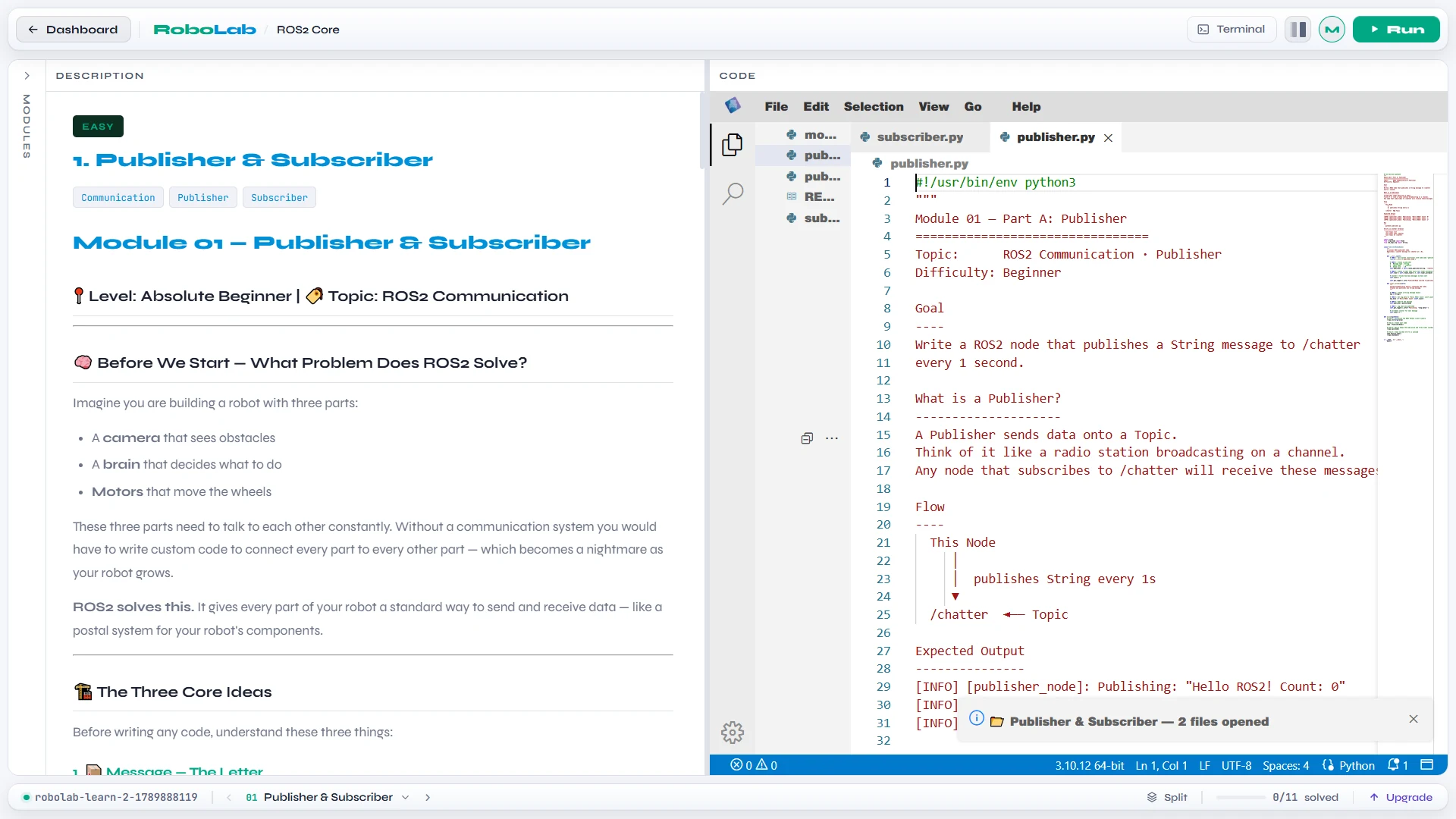
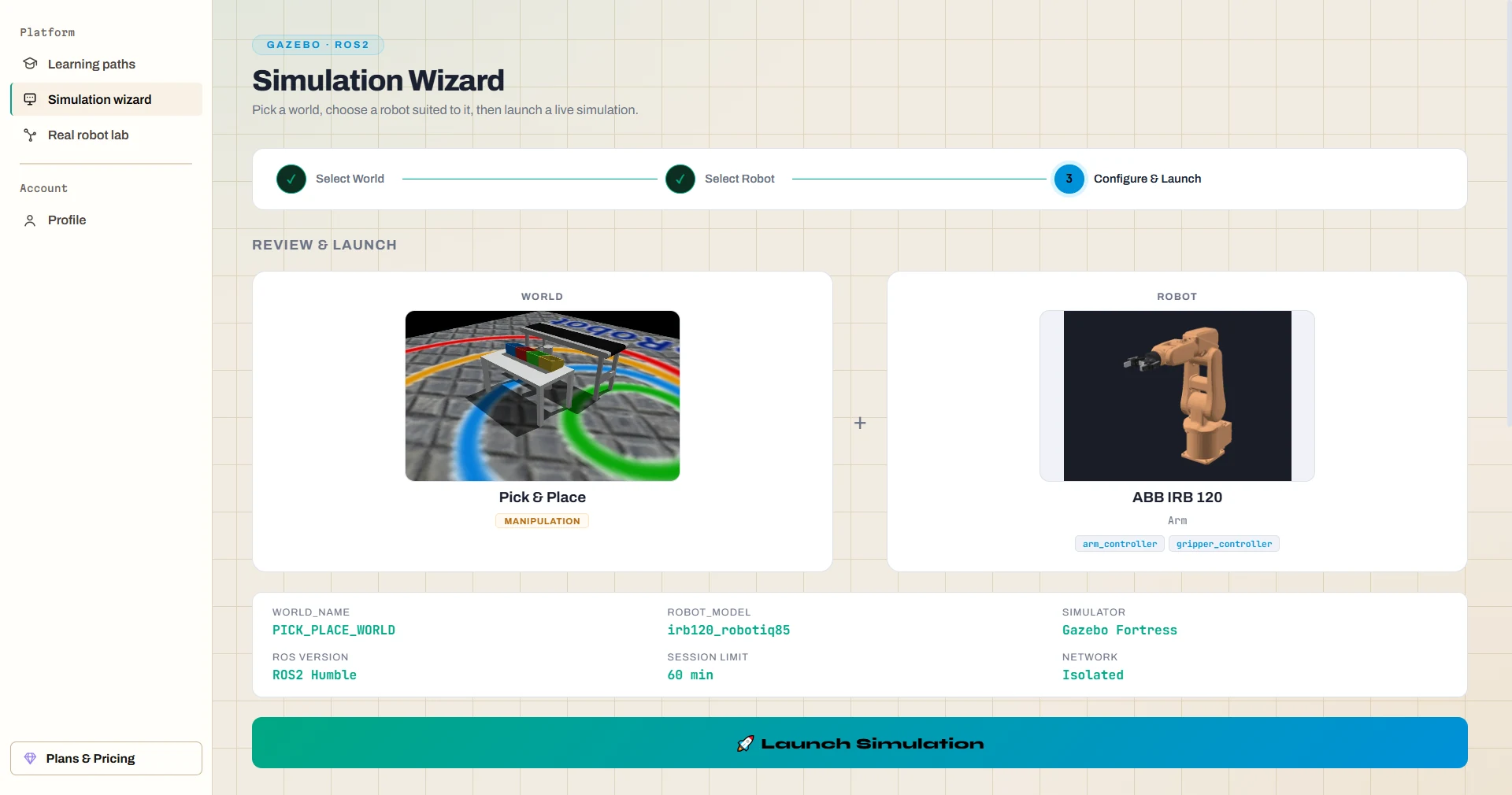
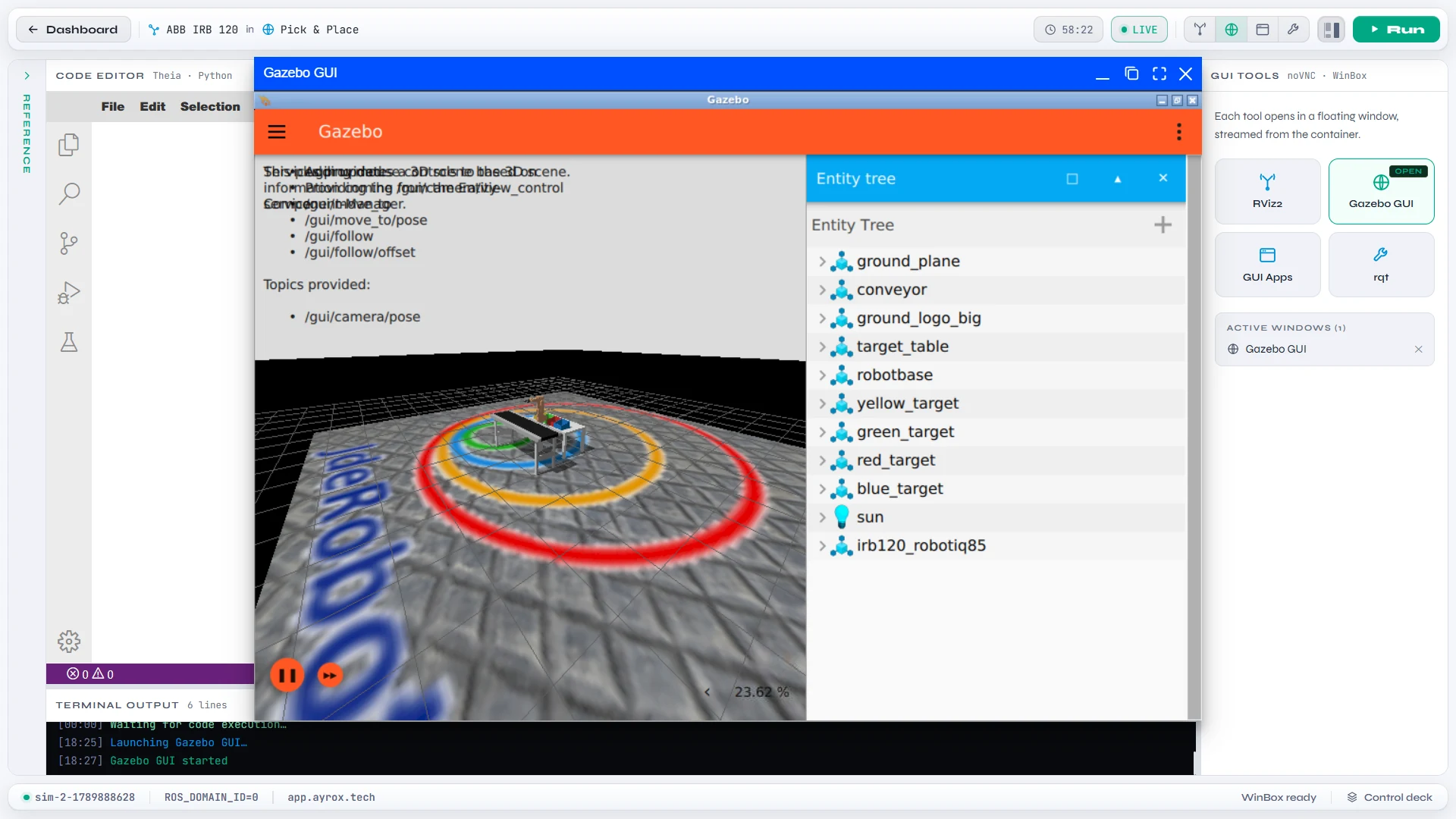
Your lesson, your code, and your next breakthrough. Side by side.
Actual platform capture +Real tools.
Ready when you are.
01 / Learn by doing
Robotics clicks when you get to try it. Follow a structured path, solve a challenge, and see your code do something in the world.
Work through focused lessons that connect the concepts to a practical robotics challenge.
Build in a browser IDE with your instructions, terminal, and ROS 2 tools in the same workspace.
Submit your solution for grading, understand what needs work, and move forward with confidence.
The command line, files, permissions, and processes that power a robotics workflow.
Available nowBring nodes, topics, services, actions, and parameters to life through hands-on exercises.
Available nowRobot models, Gazebo worlds, transforms, and the fundamentals of robot control.
On the roadmapNavigation, perception, sensor fusion, and behavior trees for more ambitious robots.
On the roadmapA look at what we’re building. The first two paths are open now.
02 / A world to experiment in
Choose a world. Bring in a robot. Launch an isolated cloud environment and start exploring what your code can do.
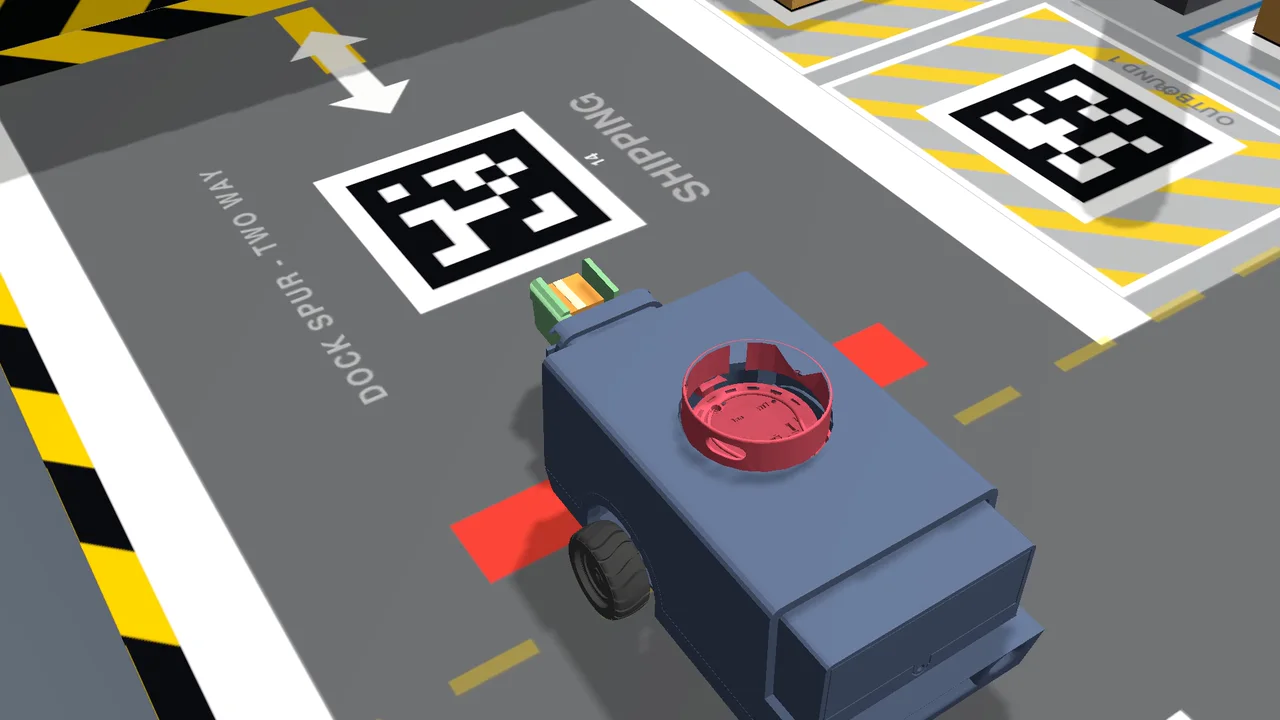
A sandbox for your next idea
Room to test, break things, and try again.
Explore simulation worlds and a robot library, from mobile platforms to industrial arms.
Each session runs in an isolated cloud environment, so you can experiment independently.
Work with ROS 2, Gazebo, and visualization tools used beyond the classroom.
From a first experiment to a more complex environment.
Explore different platforms in a shared development workflow.
Screenshots from the live platform. The experience will continue to evolve.

AyroX Labs is building simulation-first infrastructure for embodied AI. RoboLab opens the door: a place to develop the skills, test the ideas, and take the first step toward intelligent machines.
Yes. RoboLab is open to everyone. Sign up with email, Google, or GitHub to start the learning paths and launch your own cloud simulations. If you already have an account, log in and pick up where you left off.
RoboLab is designed to run the development tools and simulation in the cloud. You use them through your browser with an internet connection, without needing your own robot or a local ROS 2 installation.
Both. The learning paths start with Linux and ROS 2 foundations. The simulation workspace also gives more experienced builders a place to configure worlds and experiment with robots. More advanced learning paths are on the roadmap.
You work through lessons alongside a real code editor, write solutions, and submit them for grading. Simulation and visualization tools help connect what you write to how a robot behaves.
Yes. Everyone in your class or team can sign up for their own account. To plan RoboLab for a whole group, email [email protected] and we can talk through your use case.
Be part of what’s next
We’re building RoboLab for curious minds and ambitious builders. Create an account and explore it for yourself.
Your first session starts here
Sign up with email, Google, or GitHub.
Start with Linux Essentials or ROS 2 Core, at your own pace.
Write real code, run it in simulation, and submit it for grading.
Already have an account? Log in